Zapier Connector

Easily connect NetExplorer
to over 7,000 applications

With the NetExplorer connector for Zapier, automate your document processes, integrate your business tools (
), and streamline your workflows—all without writing a single line of code.

NetExplorer becomes your document automation hub

The NetExplorer connector for Zapier is a ready-to-use gateway that connects your NetExplorer platform to third-party applications such as Google Drive, Slack, Notion, Jira, Outlook, HubSpot, Asana, Microsoft Teams, and more.

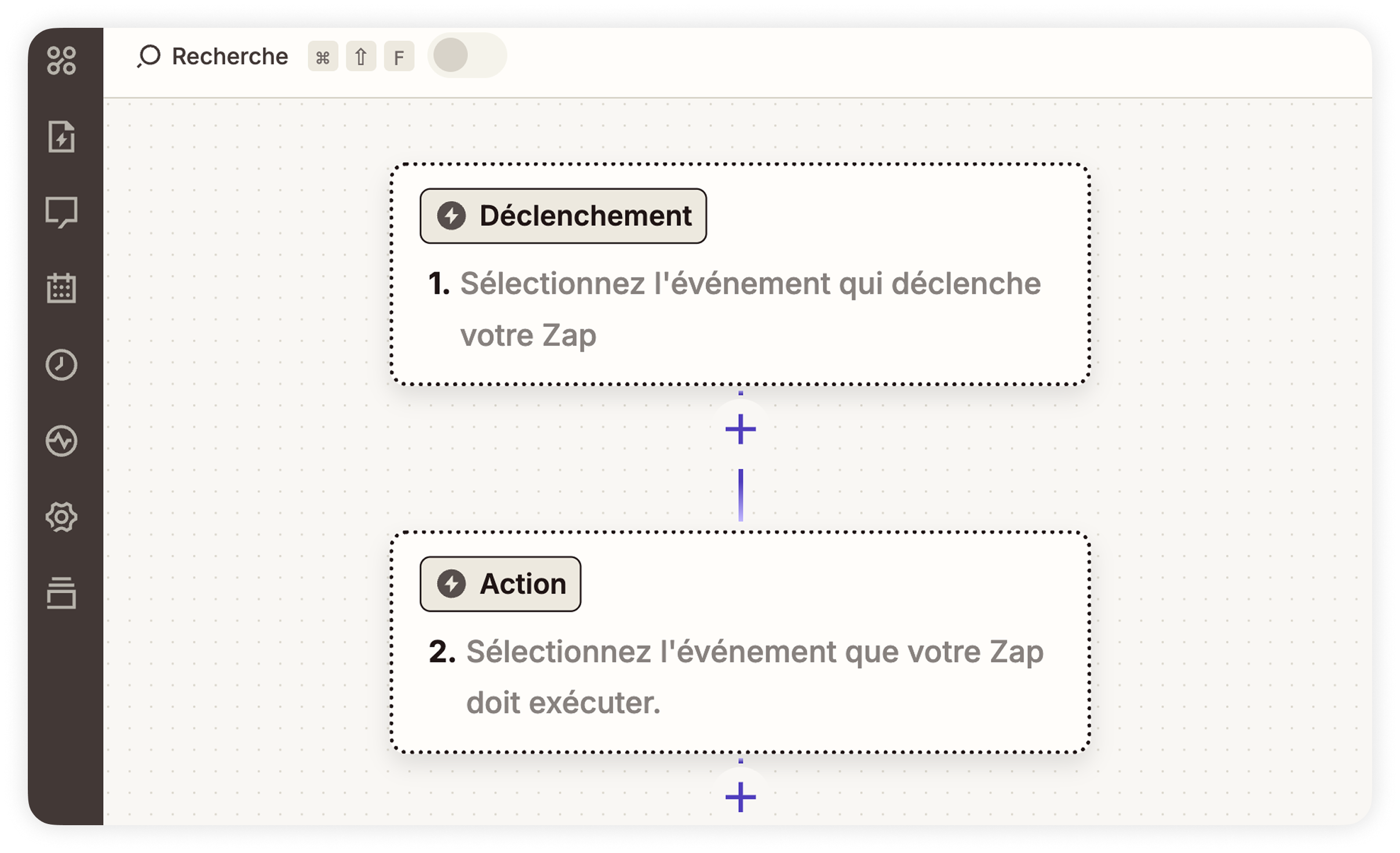
Based on the secure NetExplorer API, it is used in a simple, visual interface (drag & drop) that is accessible to your teams, even without technical skills.
Tangible benefits for your teams

The connector allows everyone to automate their document processes and increase their daily efficiency. It eliminates repetitive tasks, makes processing more reliable, and streamlines collaboration throughout the organization.

Without involving IT or touching a single line of code, your employees can create their own workflows tailored to their needs.

Thanks to this connector, your employees can:

  • Automate repetitive tasks: file storage, filing, synchronization, notifications, etc.
  • Save considerable time on daily document management.
  • Reduce human error, particularly when processing documents.
  • Promote agile cross-departmental collaboration without dependence on IT teams.
  • Centralize their document flows in a sovereign and secure space.

A true productivity accelerator that optimizes your processes, reduces your risks, and enhances the efficiency of your entire organization.

How does the Zapier integration work?

Integration is based on three fundamental building blocks that enable document processes to be automated. It combines triggers, actions, intelligent searches, and dynamic selectors to build reliable workflows tailored to all your business needs.

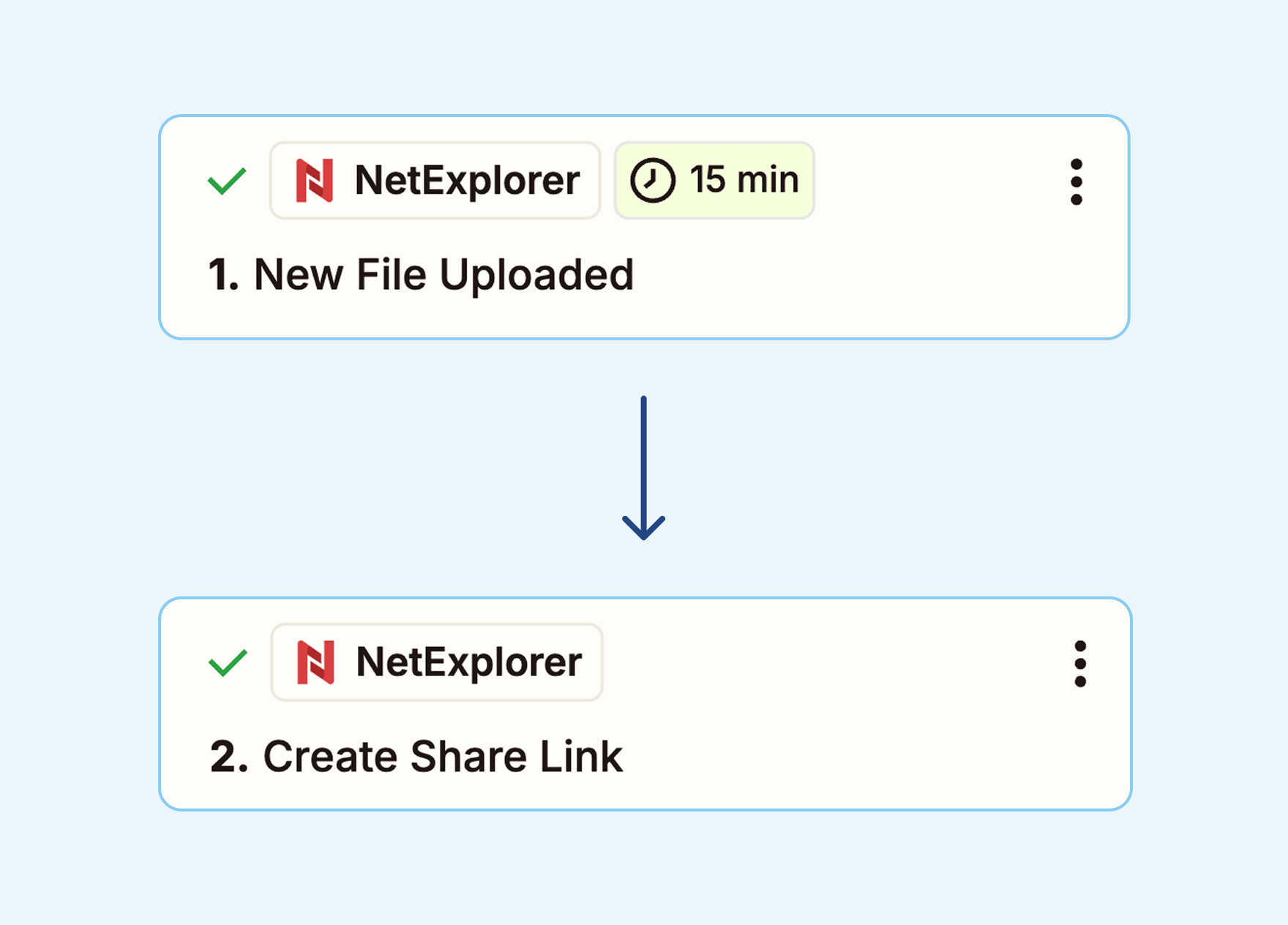
Triggers

Zapier automatically reacts when an event occurs on your platform:
  • addition, deletion,
  • file modification,
  • creation of a share

This trigger is a starting point for your workflow.

The actions

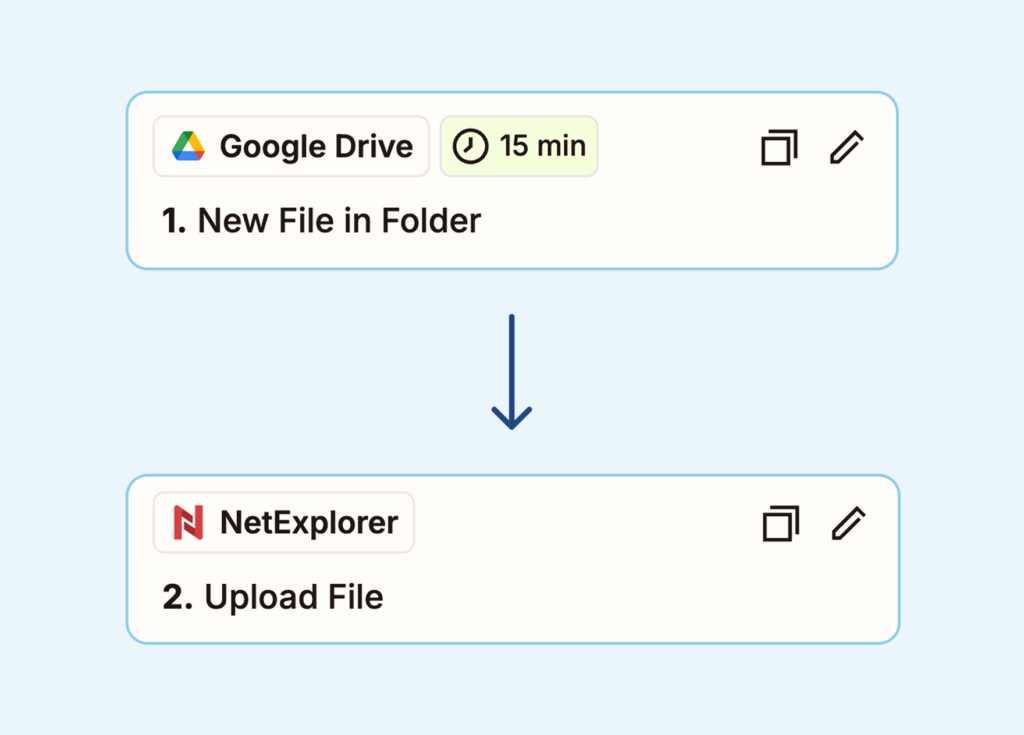
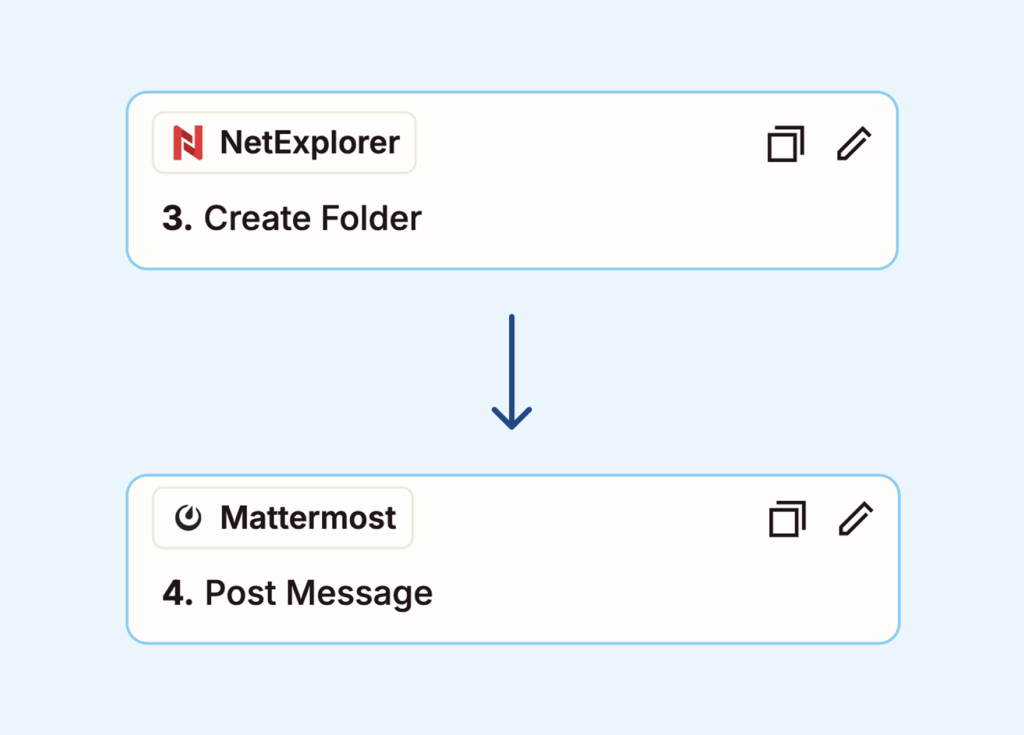
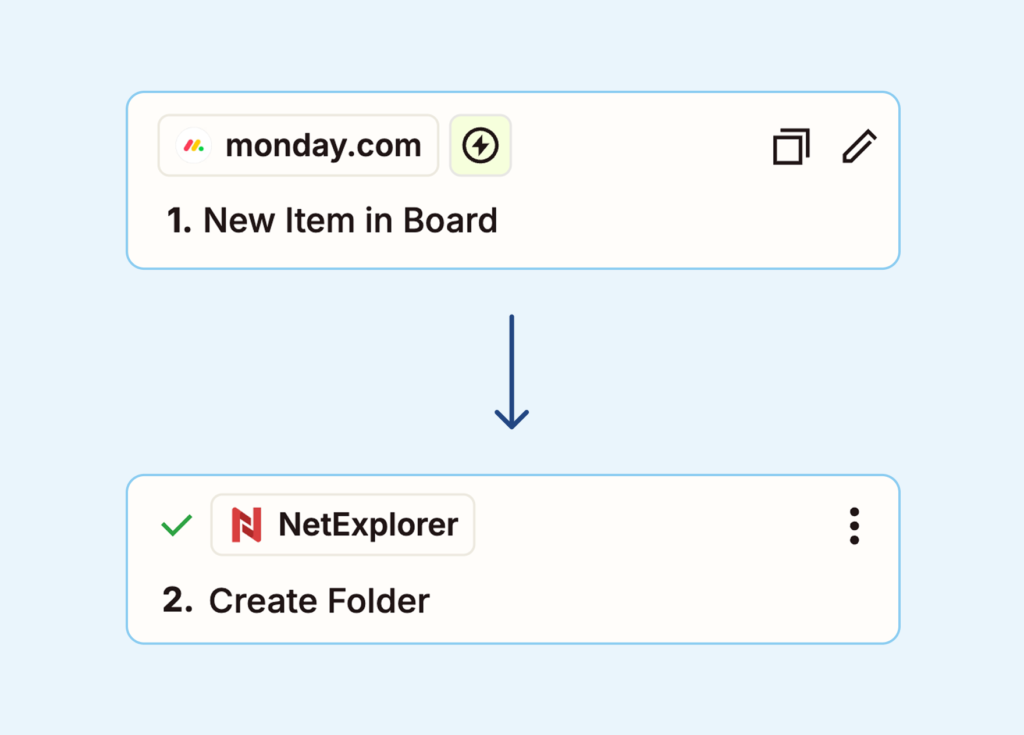
You will also be able to perform several actions on your NetExplorer platform following a trigger (from NetExplorer or another third-party application), such as uploading a file to a folder, generating a new folder in a defined location, creating a share link with options (rights, expiration, etc.), or downloading a file from NetExplorer.

Smart searches
, and dynamic selectors

Zapier queries your NetExplorer platform:

  • file search,
  • files,
  • annotations,
  • tree structures…


You can configure your automations in just a few clicks using pre-filled drop-down lists.

Use case: automations that transform your management

With over 7,000 compatible applications on Zapier, every event becomes an opportunity to automate a business process. Here are some concrete scenarios that illustrate the power of integration, which are simple to implement and effective on a daily basis.

Data security & circulation

The NetExplorer × Zapier connector uses secure authentication via API tokens or OAuth to ensure strictly controlled access to your environment. Each automation uses only the permissions necessary for its operation: scopes are limited and precisely defined to prevent any unwanted access.

When your workflows run, the data that passes through Zapier leaves NetExplorer's scope. Its processing and management are then the sole responsibility of Zapier, in accordance with its own security framework. NetExplorer does not store or process any content related to these automations. This approach allows you to benefit from flexible integration for which you are responsible.

Ready to automate your document management?

Connect NetExplorer to your favorite tools and start saving time today.

Frequently Asked Questions

Depending on the desired automations and the volume of tasks, a paid plan may be required. Simple workflows can work with the free version of Zapier, but it is limited.

No. The connector has been designed to be accessible to business teams: configuration is done by dragging and dropping in the Zapier interface, without any code.

Only the permissions necessary for the selected actions are used. Scopes are limited to ensure strictly controlled access.

No. NetExplorer does not transfer the files themselves, but only the information necessary for the workflow to function. Any data passing through Zapier is then managed by Zapier.

Yes, it is compatible with NetExplorer Share, a secure sharing solution, and NetExplorer Workspace, a collaborative platform, provided that API access is enabled.

Yes. If your tools have a Zapier connector or a compatible API, they can be integrated into your workflows.

As many as necessary. The number of workflows depends mainly on the Zapier plan you choose.

A few minutes for simple workflows; a little longer for advanced sequences. Most users get the hang of the connector right from the first time they use it.

No. Automations are triggered via the API without slowing down your daily usage.

Select the connection space that's right for you